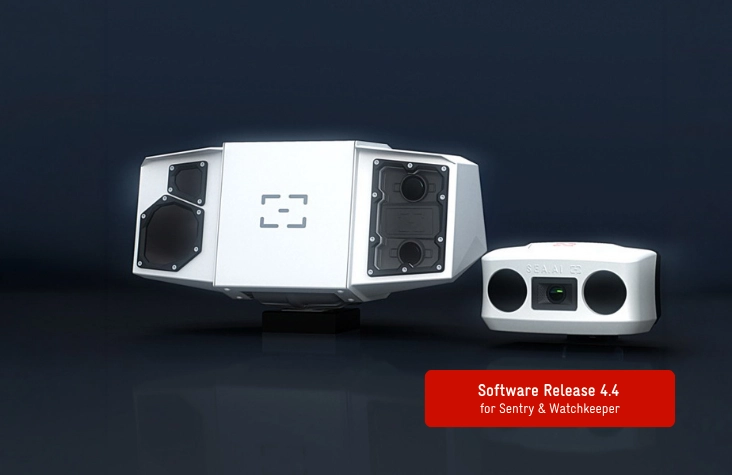
The latest new software update 3.5 is now available for the SEA.AI Sentry systems. This update brings new features that will improve your experience. Read on to learn more about what's coming in this release.
Mobile Apps for Android and iOS (version 17.4 or higher)
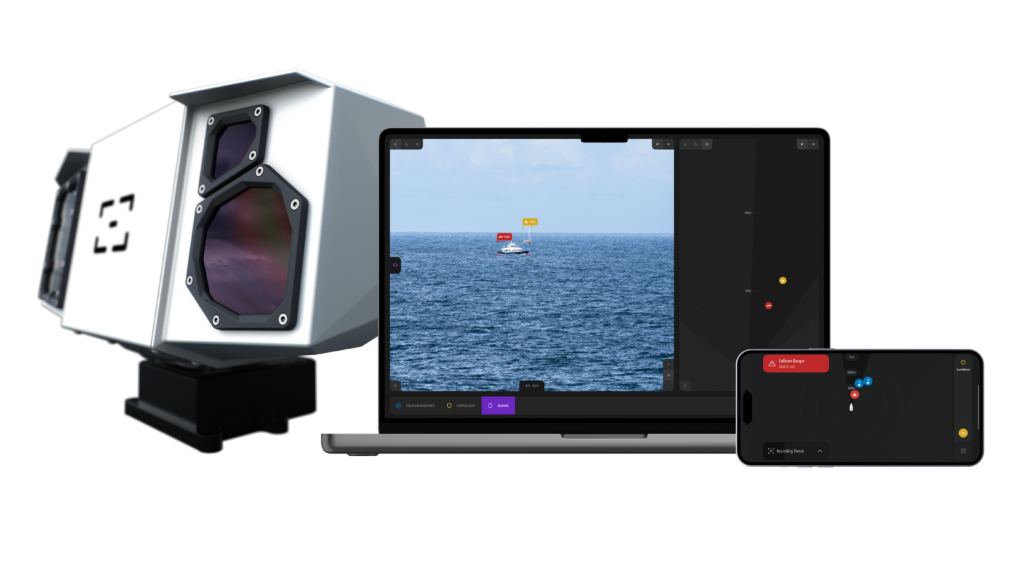
To enhance accessibility and functionality, Sentry 3.5 now includes mobile apps compatible with Android and iOS version 17.4 or higher. This addition offers seamless integration, greater flexibility, and on-the-go access, significantly improving user experience and efficiency.
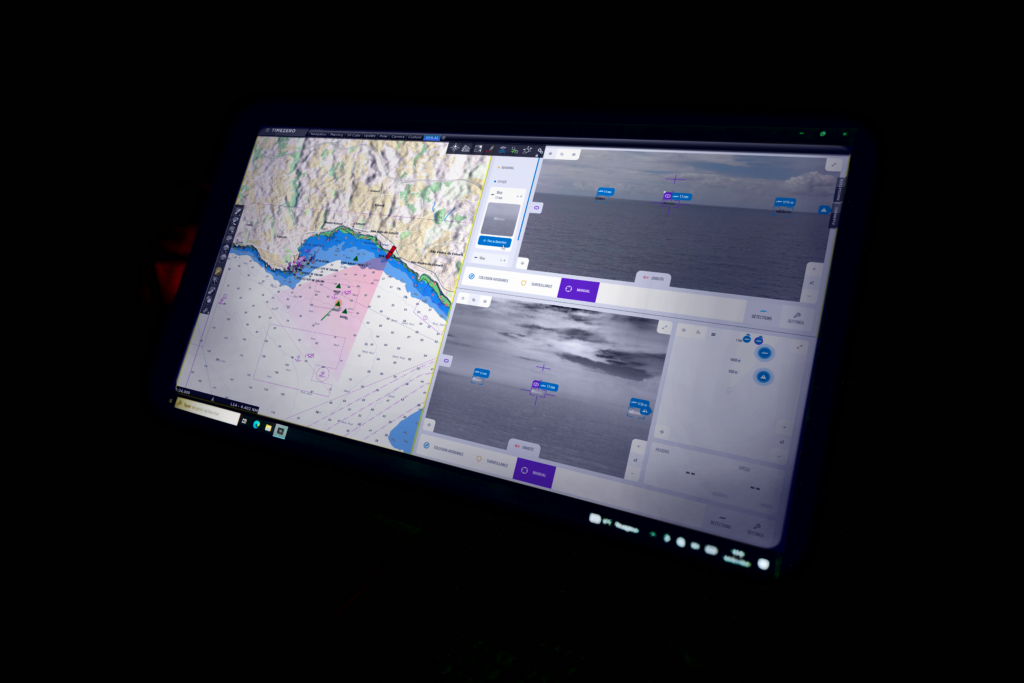
Users can access the SEA.AI App directly within the TimeZero Pro’s HTML5 window.
SEA.AI detected targets will be overlaid and displayed on the TimeZero Pro chart, providing a clear picture of your surroundings.
SEA.AI offers control of the Sentry system through both Pelco D protocol and a web application, giving users flexibility in managing their environment.
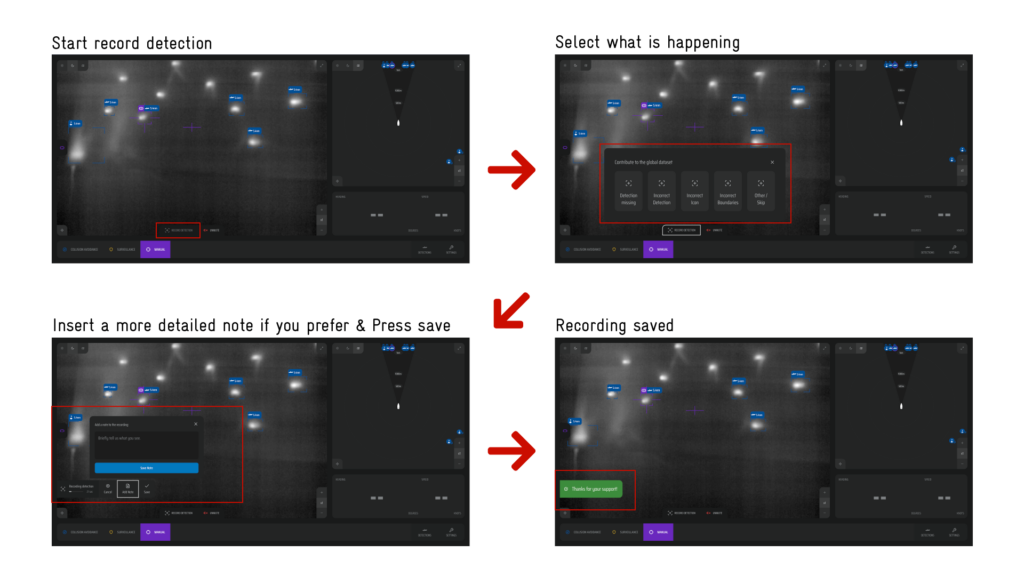
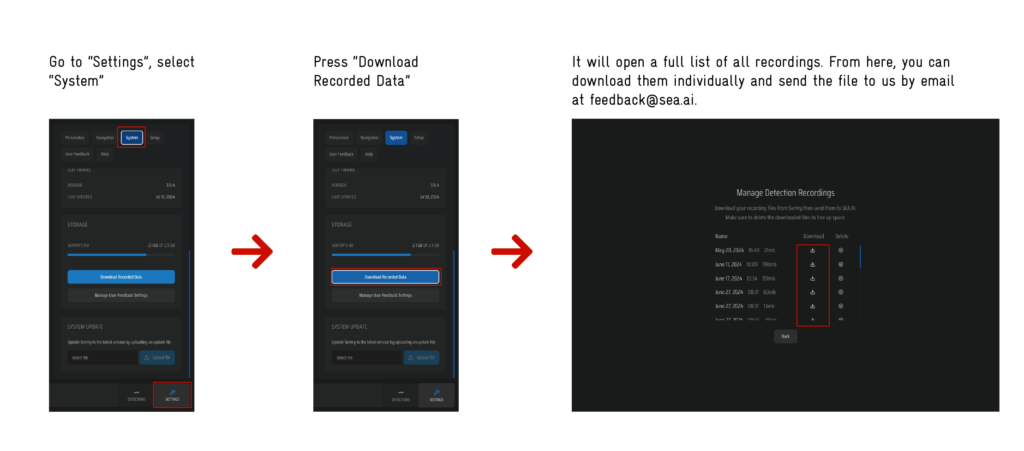
We are excited to introduce new features in Sentry 3.5 that enable users to contribute to the SEA.AI Database, crucial for training AI networks significantly enhancing overall performance and accuracy.
With this update, you can report false positives, false negatives, duplicates, and incorrect classifications. Your feedback will improve future software updates, making our AI more reliable and efficient.
How to Start
Below are step-by-step screenshots to guide you in starting a record:
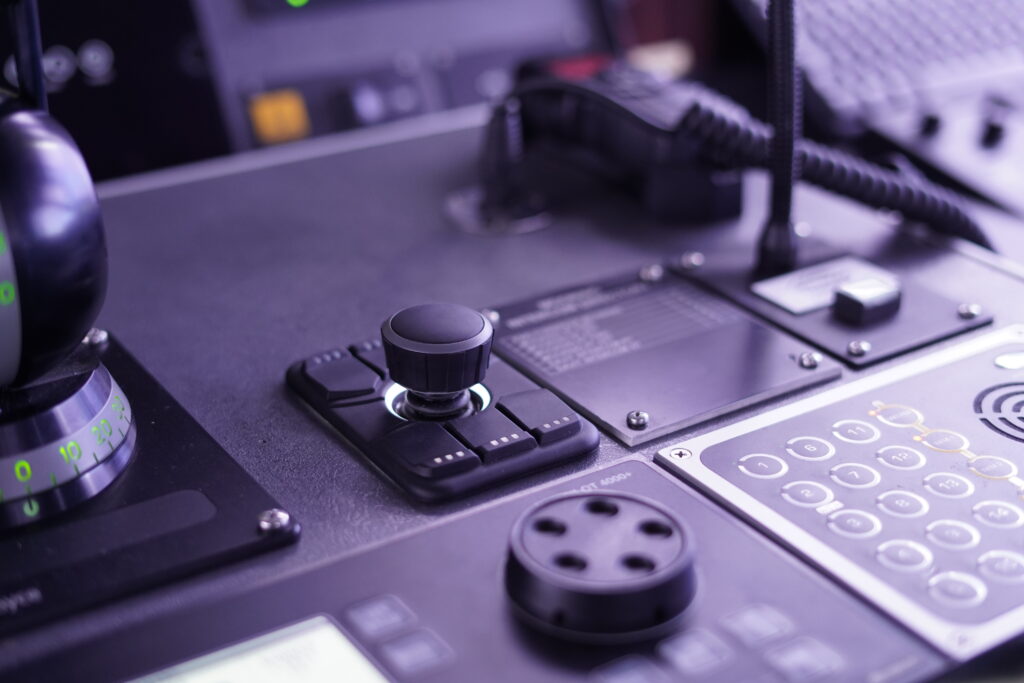
Enhance your SEA.AI camera experience with our newly available joystick. This intuitive control device, fully compatible with our system, allows you to navigate and adjust camera views with ease and precision. Improve your monitoring experience with greater control and flexibility.
Contact our sales team for more information and to order your joystick at:
We have also introduced the ability to read and set the operation mode via the API. This new functionality allows users to seamlessly switch between Manual, Collision Avoidance, Surveillance, and Tracking Modes with a simple HTTP request, providing greater flexibility and control over system operations.
SEA.AI offers control of the Sentry system through both Pelco D protocol and a web application, giving users flexibility in managing their environment.
New position of tracking and mute button in UI layout
"Your feedback is a vital part of our agile approach to product development. Share your thoughts on this latest development with us at , and you might just inspire the next big idea for our upcoming releases. Thank you for being a crucial part of our innovation journey!"